
1. Log
in to your merchant account and click “Product” in the menu panel on the left .
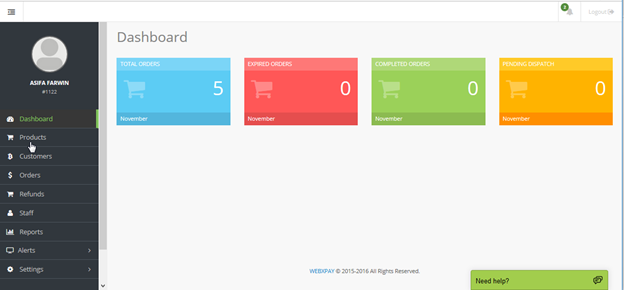
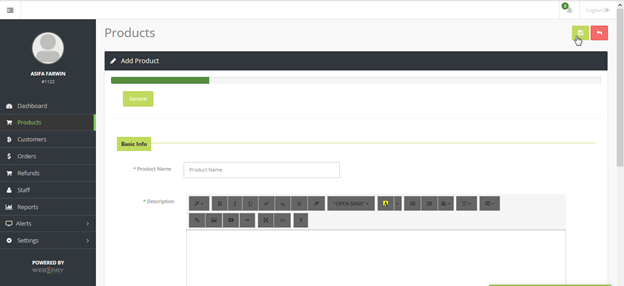
2. Click the  icon at the top right side of the page to add a new product to your product list.
3. Enter your Product Name, Description, Price and Quantity that you want to sell and click save.
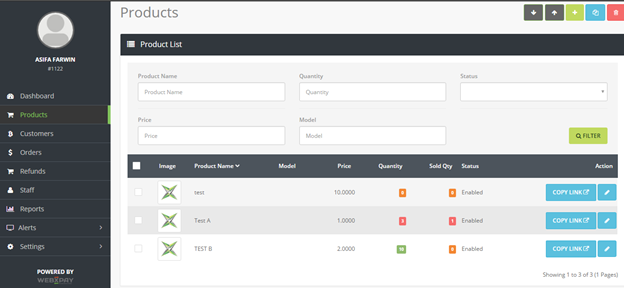
4. Your product will be now be added to the product list along with its Name, Model, Price, Quantity and Status.
5. Click "Copy Link" to view your XSELL link and the code for a XSELL button
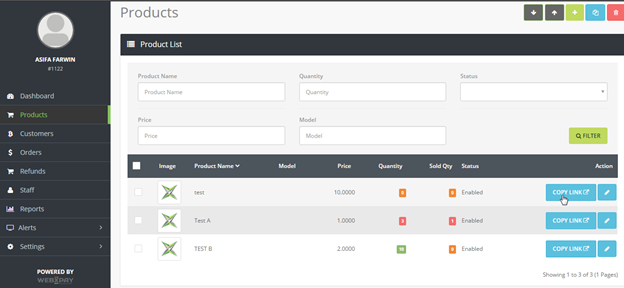
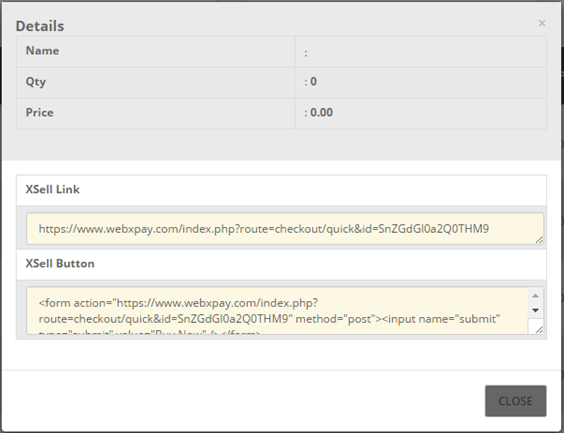
6. You can now post the XSELL link anywhere you want. The XSELL Button can be embedded in to a website to create a functioning “Buy Now” button.