
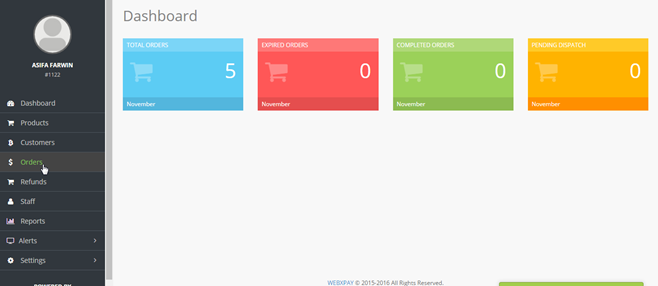
1. In your merchant account click "Orders" in the menu panel.
2. Your orders will be listed along with an Order reference number, Amount, Payment status & Order status.
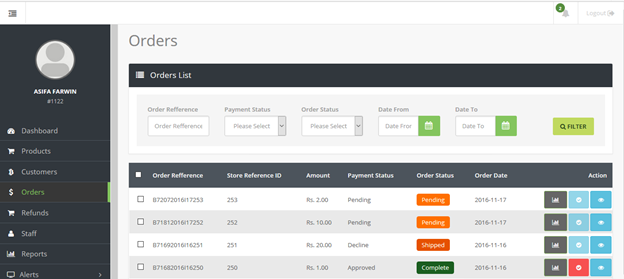
3. You can only complete an Order if the payment status has been approved which will be updated by WEBXPAY
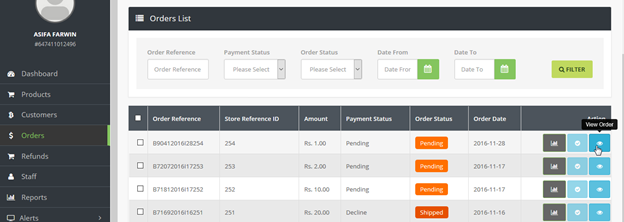
4. To update the Order status Click "View Order" icon to view the Order details and update Order status
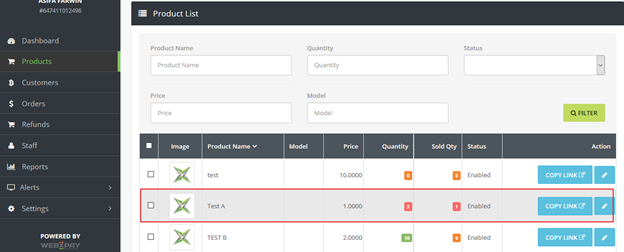
5. Once the payment has been approved and the order status has been completed, your stock levels will be updated accordingly.
6. Once you have Completed an order, your Customer will be notified by Email.