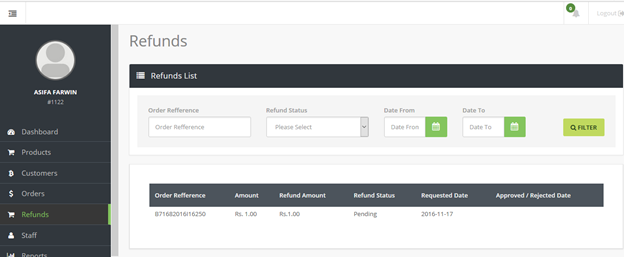
In the event your customers request for a refund for a particular payment, you can initiate a refund request in your WEBXPAY merchant account-
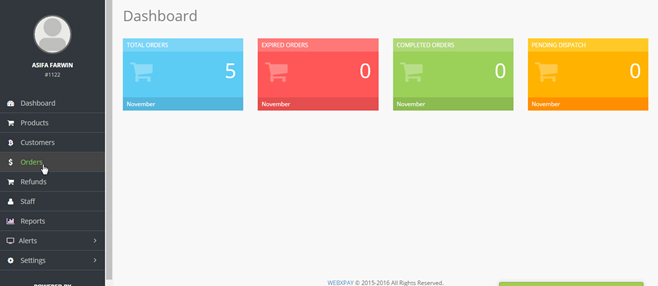
1. Click "Orders" in the menu panel.
2. You can use the filter to identify the order that you want to refund.
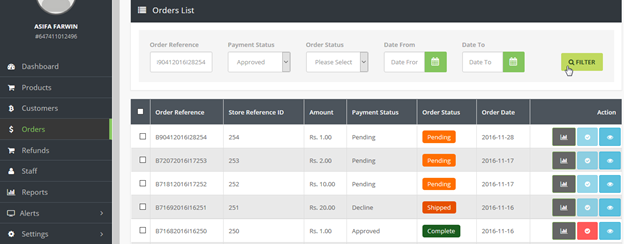
3. Click the  icon to initiate a refund. The refund request will only be processed for a completed order with an approved payment status.
4. Our team will get in touch with to confirm you request and subsequently provide you with a timeline for processing the refund.
5. You can also view the status of your refund request by clicking "Refund" in the menu panel.