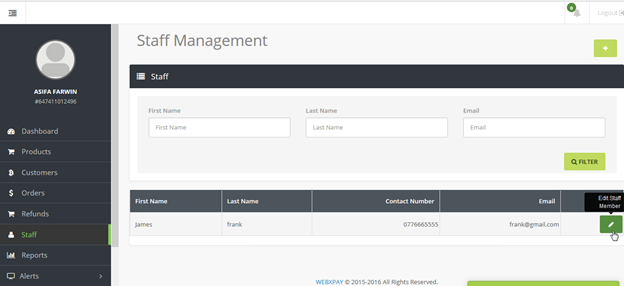
XSELL lets you create different user/staff profiles with different restriction and access rights.
Roles and Privileges
1.To create a new Role, got to "Settings" in the menu panel and click "Roles and Privileges".
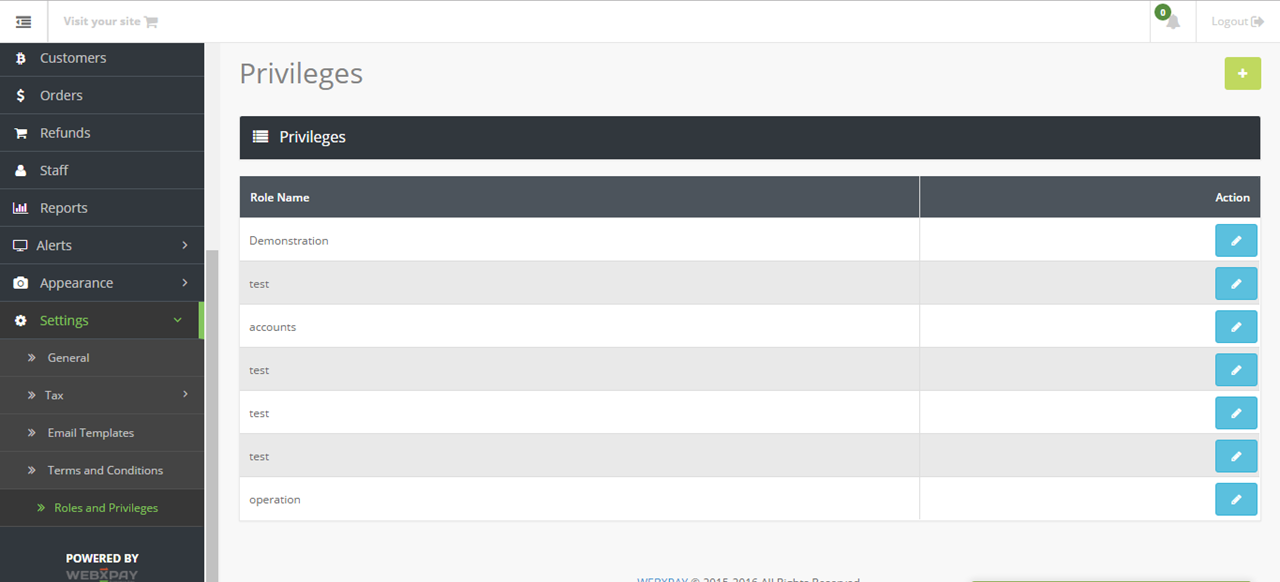
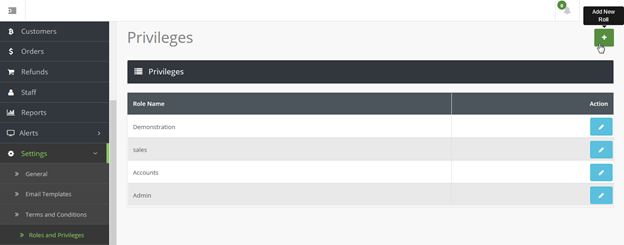
2. Click  to add a new role.
2. You can define a role by setting View, Create and Edit privileges to a Orders, Staff accounts, Customer data, Settings and Reports.
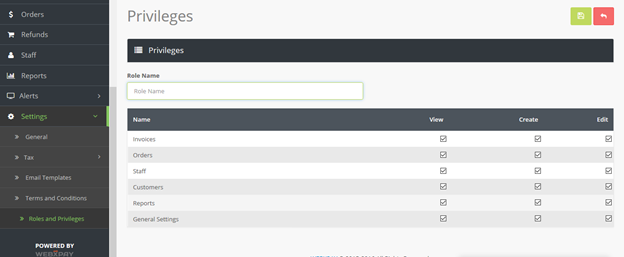
3. Name the role and after setting role privileges and click  to save.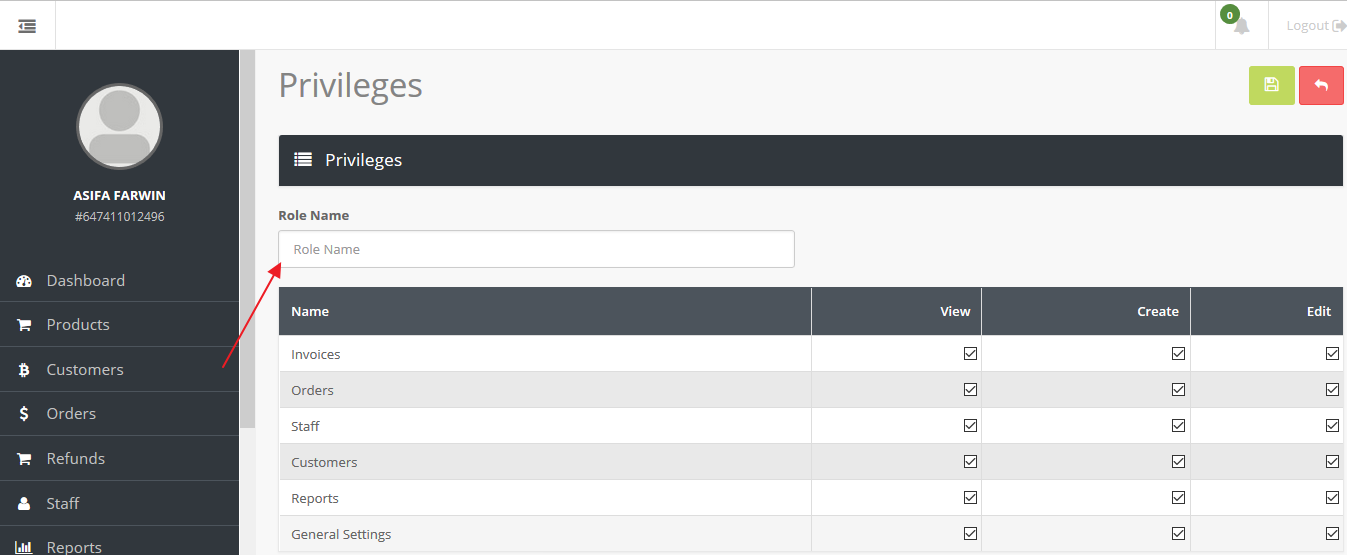
4. You can add multiple privileges to allocate to different users.
Creating a New User/Staff
1. You can Add/ View or Amend User/Staff accounts by clicking Staff in the menu panel.
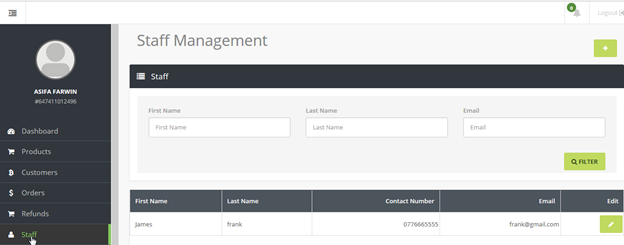
2. To add a new Staff account click the  icon.
icon.
3. Here you can enter details of the user including the credentials, ie their Email and Password.
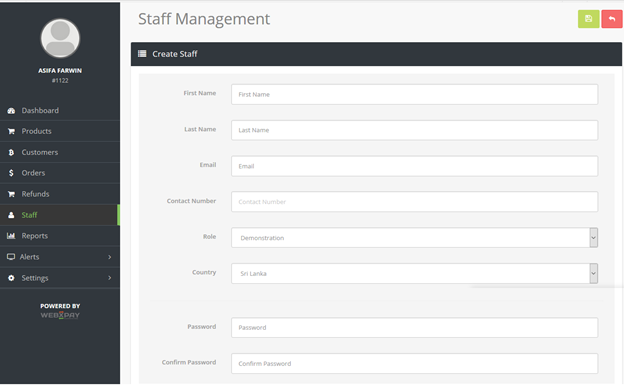
4. You can allocate a Role to the account by selecting the Role in the drop down menu. All roles created in settings will be displayed here (see "Roles and Privileges" above)
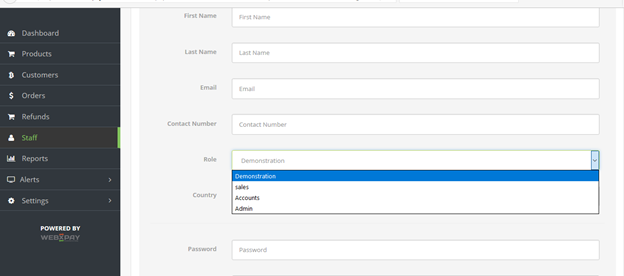
5. Click the icon to save the account.
6. You can view and edit the Account details and privileges by clicking the  icon.
icon.