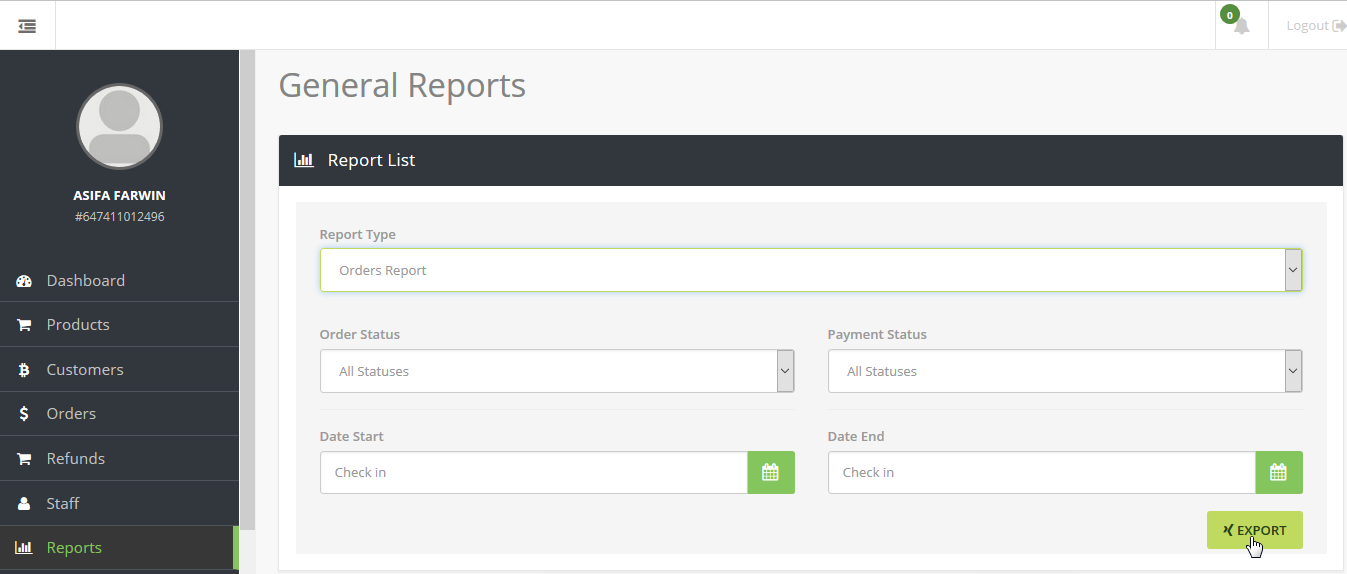
You can export reports in the form of Microsoft Excel files (.xls) where you will be able to see the following Reports According to specific date ranges
-
Order
Report- All orders for the specific date ranges by payment and/or order status
-
Customer
Report- Information of your customers
-
Refund
Report-Details of refunded orders
-
Transaction
Report- Transaction details for the specific date range
-
Payment
Report-Details of all approved transaction.
To export these report -
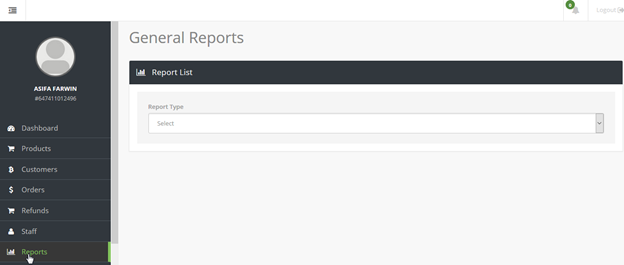
1. Click "Reports" in the menu panel,
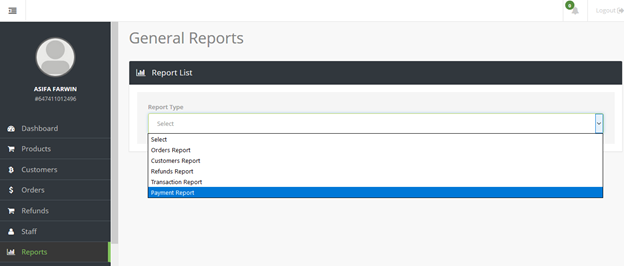
2. Select the type of report that you want from the drop down menu
3. Select date range or other parameter like payment and order status
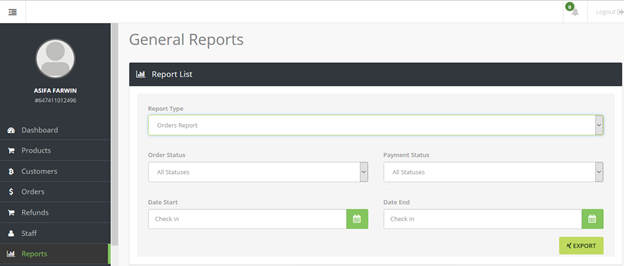
4. Click export to download the report in .xls format